|
| How to Change a User Password in Windows XP ( WINXP ) |
|
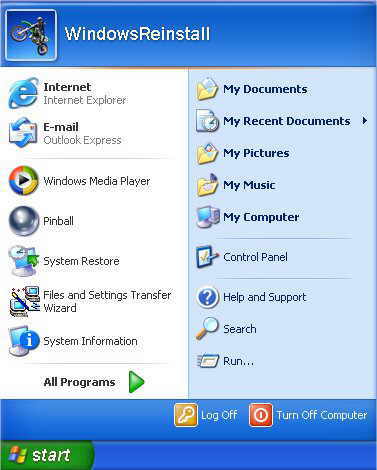
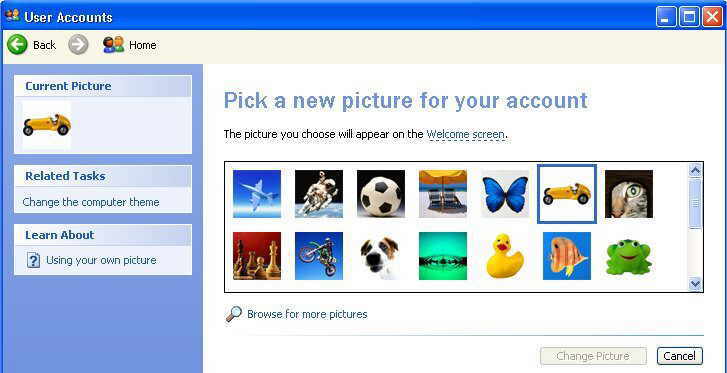
If you wish to Change your User Password follow the next few steps 1) Click on Start 2) Click on Icon (Motorcycle in example below) beside WindowsReinstall
3) Click Back from the below Screen
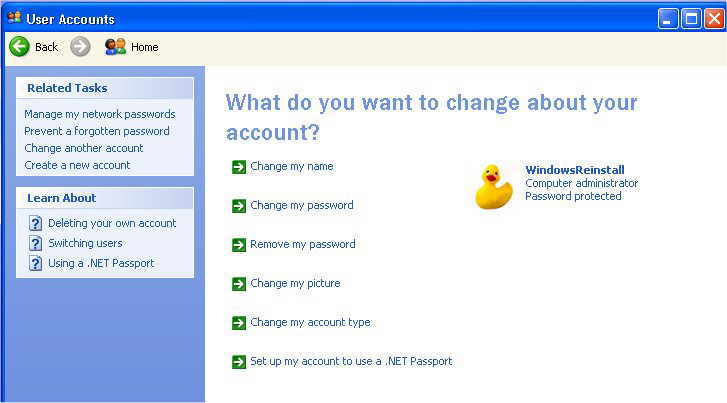
4) The Following Will now appear. To change User Password, follow the next few steps. 5) Click on Change My Password
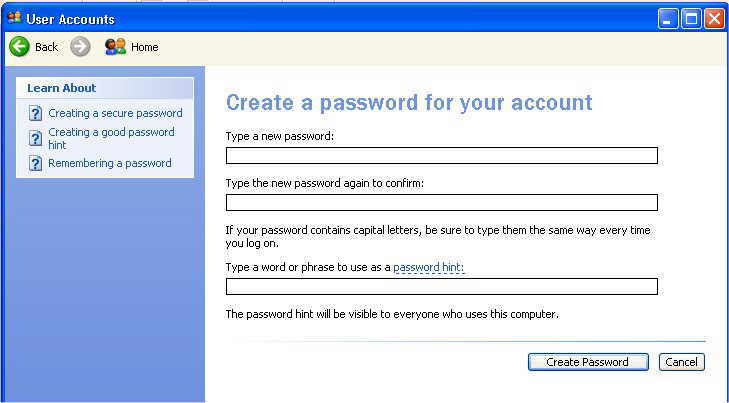
7) Now to Change a password, type it in and then retype it below click on Create Password, then click on the "X" (Top right corner) to exit
|