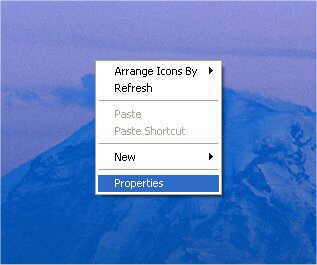
1) From your Desktop, right in the center of the
screen and select properties.
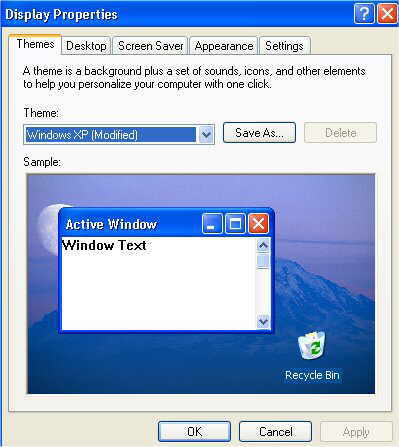
2) From display properties select "SCREEN SAVER"
3) Now under "SCREEN SAVER" select the down arrow and
select your preferred Screen Saver, you can also add a password to the screen
saver and also increase the length of time you have to wait for it to appear.
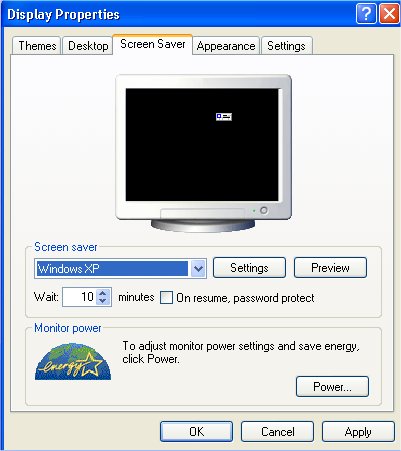
4) Click apply and then OK to exit.
|